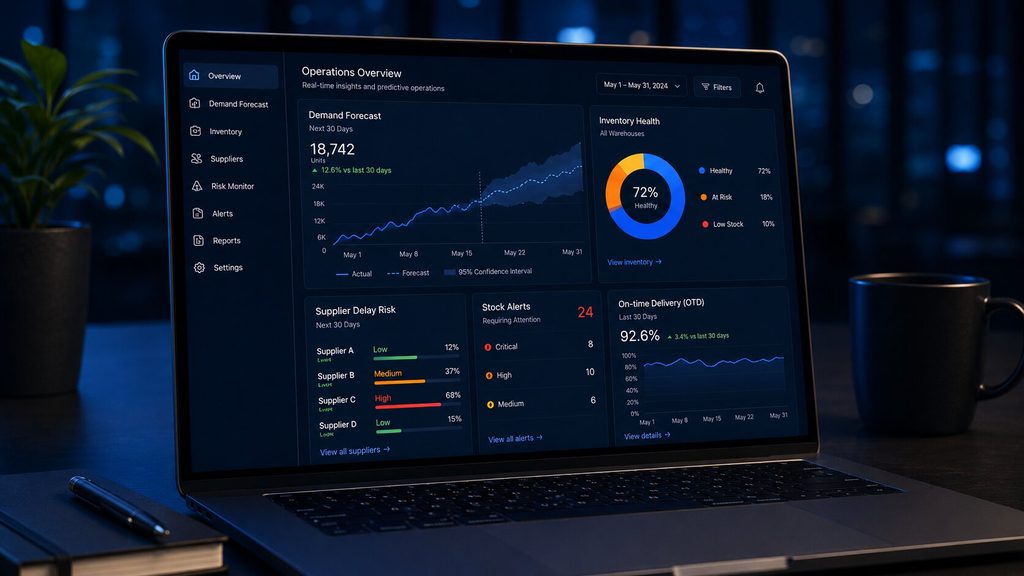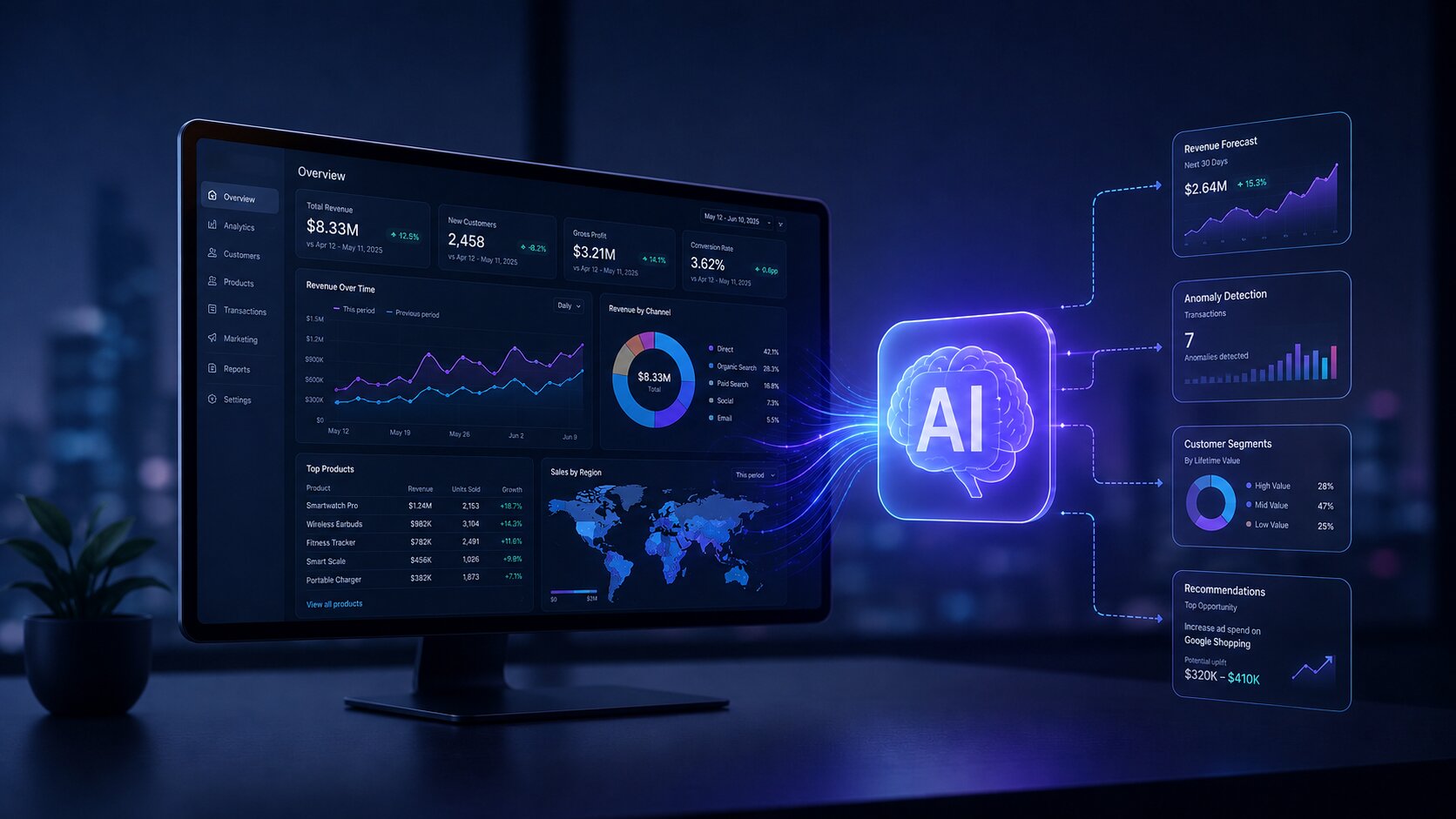
Category: Business Intelligence

  • AI-Powered Dashboards: The Future of Business Intelligence

    AI-Powered Dashboards: The Future of Business Intelligence

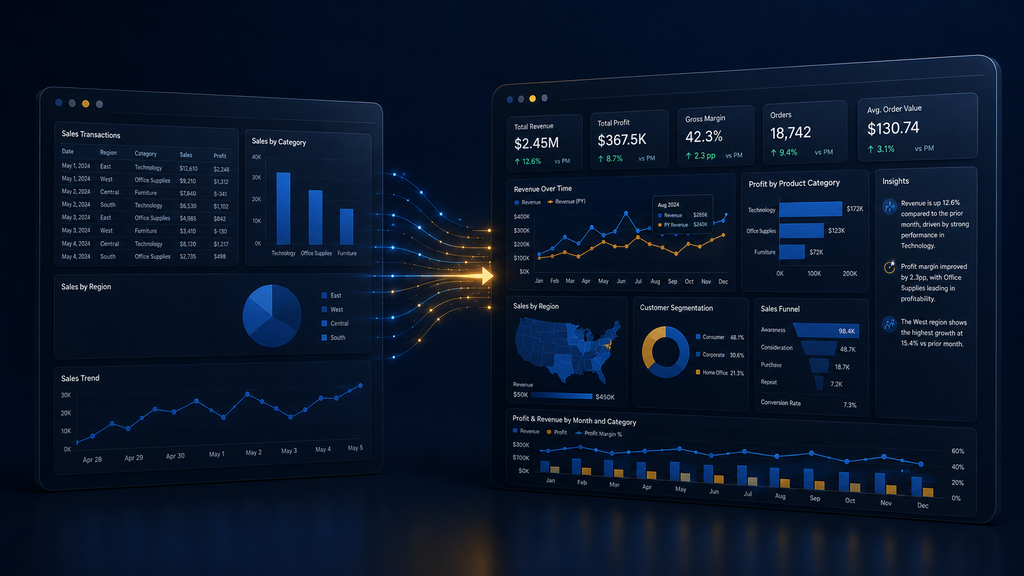
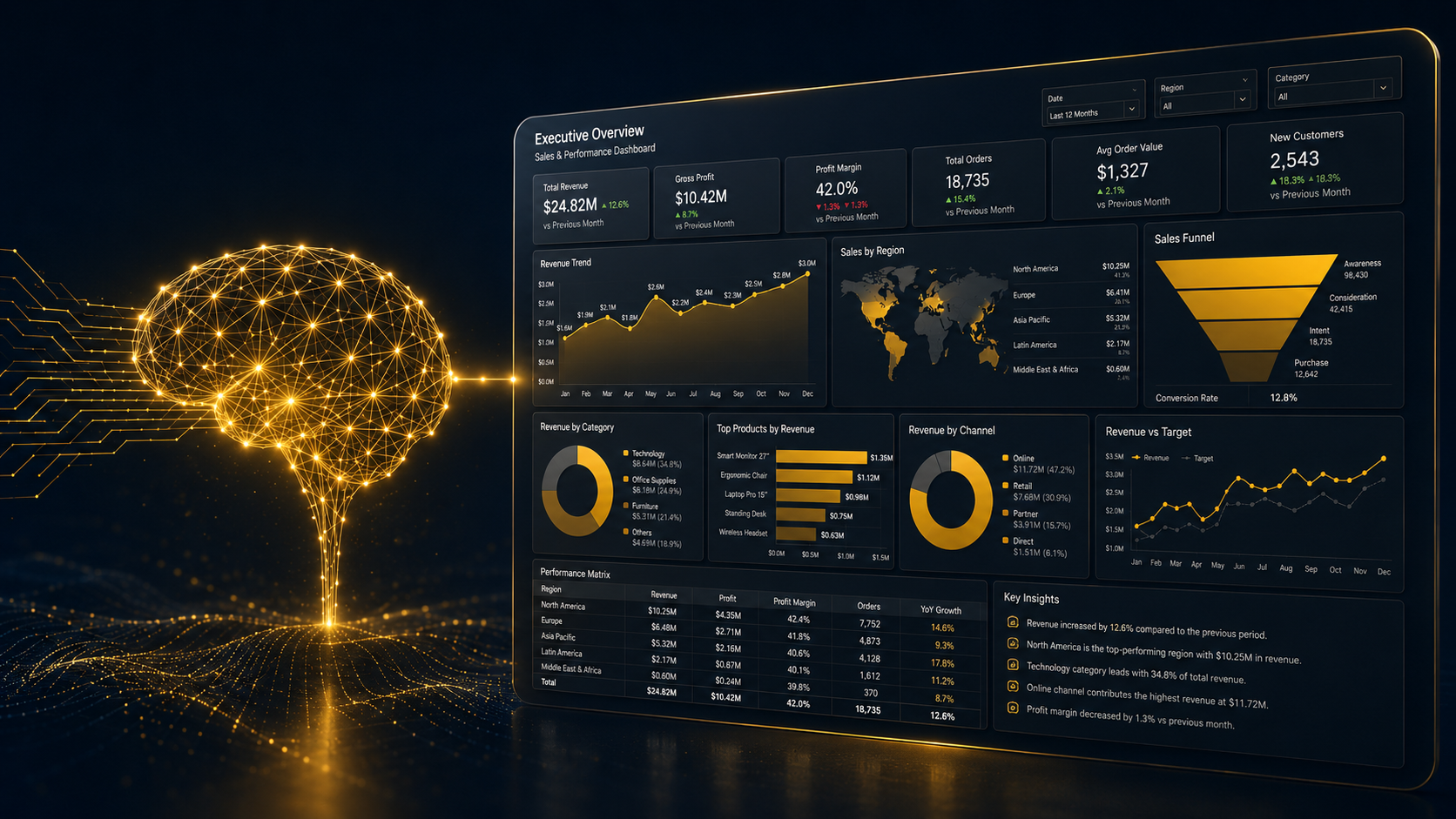
    Your dashboard tells you sales dropped 12% last quarter. It doesn’t tell you why, and it definitely doesn’t tell you what to do next. That gap between “here’s the number” and “here’s the decision” is exactly what AI-powered dashboards are built to close. Instead of waiting days for an analyst to build a custom report, you ask a question in plain English and get an answer, a chart, and a reason, all in seconds.

    Here’s what’s actually changed, what’s still hype, and how to tell the difference before you commit a budget to it.

    Key Takeaways

    • AI dashboards don’t just display data. They explain it, forecast it, and let you ask follow-up questions in plain English.
    • Only 4% of IT leaders consider their data “AI-ready,” according to Gartner, so AI dashboard success starts with clean data, not fancy models.
    • Text-to-SQL engines like Snowflake’s Cortex Analyst now hit close to 90% accuracy, closing the gap between “cool demo” and “trustworthy tool.”

    What Is a Business Intelligence Dashboard, Really?

    Before we jump into the AI layer, let’s ground the basics. A business intelligence dashboard is a visual workspace with charts, KPIs, and tables that pull data from your systems into one screen so you can track performance without digging through spreadsheets. Traditional BI platforms have done this for two decades. You picked your metrics, someone built the report, and you waited for updates.

    The problem? That model was built for a world where data moved slowly, and questions were predictable. Neither is true anymore. Your data volumes have exploded, and your team’s questions change daily, not quarterly.

    This is exactly the gap AI dashboarding is built to close.

    What Makes a Dashboard “AI-Powered”?

    An AI dashboard is a fundamentally different way of interacting with data.

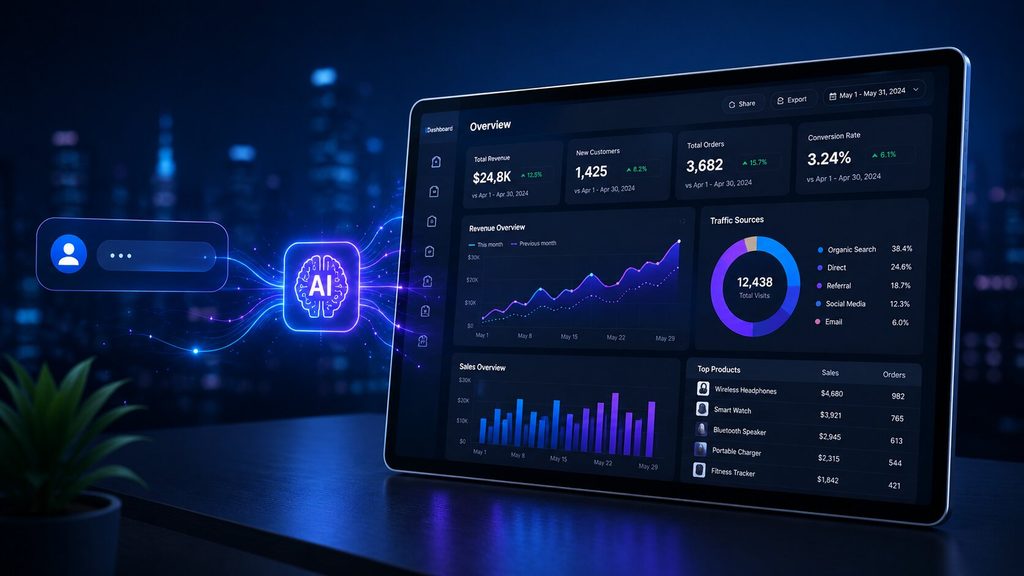
    Instead of clicking through filters, you ask a question — “show me sales trends by region this quarter” — and the system does three things a static dashboard never could:

    1. Understands intent, not just keywords, using natural language processing (NLP)
    2. Generates the right visualization automatically, choosing a line chart for trends or a comparison card for two values
    3. Explains what’s happening, not just what the numbers say

    Databricks frames this shift well: their AI/BI approach uses a compound AI system that learns and shares insights from data interactions across a company.

    At VectovateAI, this is the same philosophy behind our Data Visualization & Dashboards work: dashboards that explain themselves, not just display numbers.
    The Technology Stack Behind AI Dashboards

    If you’re evaluating an AI dashboard generator, it helps to know what’s actually running under the hood. Four technologies do the heavy lifting:

    Technology What It Does Why It Matters
    Text-to-SQL / NLP Converts plain-English questions into database queries Removes the SQL bottleneck for non-technical users
    Machine Learning Models Detects patterns, anomalies, and churn signals Surfaces issues before a human would spot them
    Predictive Analytics Engines Forecasts trends using historical data Shifts BI from “what happened” to “what’s next”
    Automated Visualization Engines Picks the right chart type instantly Saves hours of manual dashboard design

    Snowflake’s Cortex Analyst reports it delivers self-serve answers from tables like sales transactions without writing SQL, with industry-leading accuracy of roughly 90%, which is the difference between a tool people trust and one they double-check every time.

    This kind of accuracy depends entirely on the data engineering and data warehousing foundation underneath it. Skip that groundwork, and even the best AI model will produce shaky answers.

    Why “Excel Dashboards AI” Searches Are Spiking

    Excel dashboards AI tools have become such a popular entry point. You don’t need to rip out your existing systems. Modern AI layers can sit on top of Excel or your existing data warehouse and add:

    • Natural language query boxes (“what were my top 5 products last month?”)
    • Auto-generated pivot summaries and forecasts
    • Anomaly flags on rows that look off compared to historical patterns

    This is a low-risk way to test AI dashboard design before committing to a full platform migration, and it’s often the first place SMBs in India and the UAE start their AI journey through a lightweight data analytics engagement.

    Real Business Impact: It’s Not Just Hype

    Care-coordination platform Wellthy used natural language search to let its care team explore patient data without relying on data engineers, and the result was savings of more than $200,000 by increasing analyst efficiency.

    That said, adoption is still uneven. A recent ThoughtSpot industry survey found 65% of organizations are either actively using or exploring AI solutions for data analytics, which tells you two things: the shift is real, but a third of the market hasn’t moved yet, which is your window to get ahead of competitors. Our own supply chain AI orchestration case study shows a similar pattern: a 60% reduction in operational costs once predictive analytics replaced manual reporting.

    The Trust Problem Nobody Talks About Enough

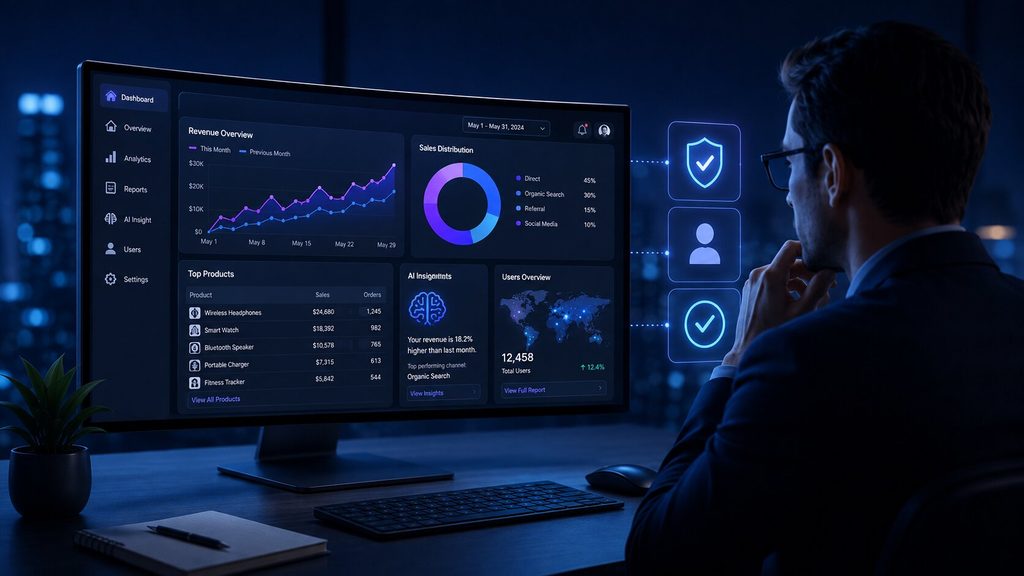
    AI-powered dashboards are only as good as the data feeding them, and most companies aren’t ready. Gartner’s research is blunt on this: only 4% of IT leaders consider their data AI-ready. Feed a model messy, inconsistent, or duplicated data, and you don’t get insight, you get confident-sounding nonsense.

    Gartner reports 50% of consumers don’t trust humans to use AI responsibly, which means transparency isn’t optional, it’s a competitive differentiator. If your dashboard AI can’t explain why it flagged a trend, adoption stalls no matter how accurate the model actually is.

    This is why the strongest platforms build in human-in-the-loop review rather than fully autonomous decision-making. It’s also the core principle behind how we approach AI/ML development at VectovateAI: senior oversight on every model, not just automated output.
    What Does “AI-Ready Data” Actually Look Like?

    Before connecting an AI query engine or dashboard generator to your database, your data infrastructure must meet three engineering criteria:

    • Unified Semantic Definitions: A single source of truth ensuring metric calculations (e.g., “Net Revenue” or “Active User”) mean the exact same thing across all departments.
    • Context-Rich Schema Metadata: High-quality table documentation, foreign key constraints, and clear column naming so LLMs don’t misinterpret database logic.
    • Automated Pipeline Hygiene: Real-time ingestion pipelines that continuously validate, clean, and deduplicate records before feeding analytics models.

    Business Intelligence Dashboard Examples: Where AI Is Already Working

    AI-driven dashboards are already delivering measurable results across industries:

    • Retail: Forecasting inventory needs based on seasonal demand shifts, cutting both overstock and stockouts. See our work in retail & eCommerce.
    • Healthcare: Flagging high-risk patients before discharge using treatment history and demographic patterns, reducing avoidable readmissions. More in healthcare AI.
    • Finance: Scanning transactions in real time to catch fraud and unusual spending patterns before they escalate, a core use case in finance & insurance.
    • Supply Chain: Detecting anomalies like unexpected price hikes or demand spikes across supplier networks, covered under supply chain & logistics.
    • Marketing: Auto-segmenting customers and predicting campaign performance without waiting on an analyst.

    What Is a Business Intelligence Dashboard Going to Look Like in 2027?

    If you’re wondering what a business intelligence dashboard is going to evolve into next, the direction is fairly clear from where the major platforms are investing. Expect:

    • Conversational-first interfaces replacing click-heavy filters almost entirely
    • Proactive alerts where the dashboard tells you something’s wrong before you ask
    • Role-based storytelling: executives get a summary, analysts get the granular breakdown, automatically
    • Tighter governance layers as regulators start paying closer attention to AI-driven business decisions

    The businesses that win with this shift will keep a human checkpoint on high-stakes decisions, even as the routine reporting gets fully automated, an approach we build into every AI agent development engagement.

    How to Choose the Right AI Dashboard Partner?

    Not every AI dashboard vendor is solving the same problem. Before you commit, ask these questions:

    1. How is your data prepared today? If it’s inconsistent across systems, fix that first. No AI model fixes bad inputs.
    2. Do you need self-service for business users, or deeper predictive modeling for analysts? These require different tooling.
    3. Can the vendor explain its recommendations, or is it a black box? Transparency isn’t a nice-to-have, it’s what drives adoption.
    4. Does the platform support human review before automated actions? This matters more in regulated industries like finance and healthcare.
    5. What’s the actual implementation timeline? Be wary of promises of instant transformation. The real work is in data readiness, not the AI layer itself.

    If you’d rather talk this through than guess, our AI strategy & consulting team can map your current data setup against what an AI dashboard rollout would actually take.

    How to Transition from Static Reports to AI Dashboards

    • Phase 1: Audit & Semantic Standardization: Clean legacy data schemas and define standardized metrics across your enterprise data warehouse.
    • Phase 2: Hybrid AI Layer Deployment: Connect text-to-SQL engines (like Snowflake Cortex or custom MCP architecture) alongside existing Power BI/Tableau environments.
    • Phase 3: Governance & Human-in-the-Loop Rollout: Deploy natural language queries with built-in validation checks so business leaders get instant answers with zero hallucination risk.

    Final Thoughts

    The shift toward AI dashboarding is about getting faster access to better-explained answers. Text-to-SQL accuracy is climbing, natural language interfaces are genuinely usable, and real companies are posting real savings.

    The businesses winning today are the ones that treat data readiness as seriously as the AI model, keeping a human in the loop for decisions that actually matter.

    Ready to see what an AI-powered dashboard would look like for your business? Talk to our AI architects.
  • How AI Is Transforming Business Intelligence with Power BI?

    How AI Is Transforming Business Intelligence with Power BI?

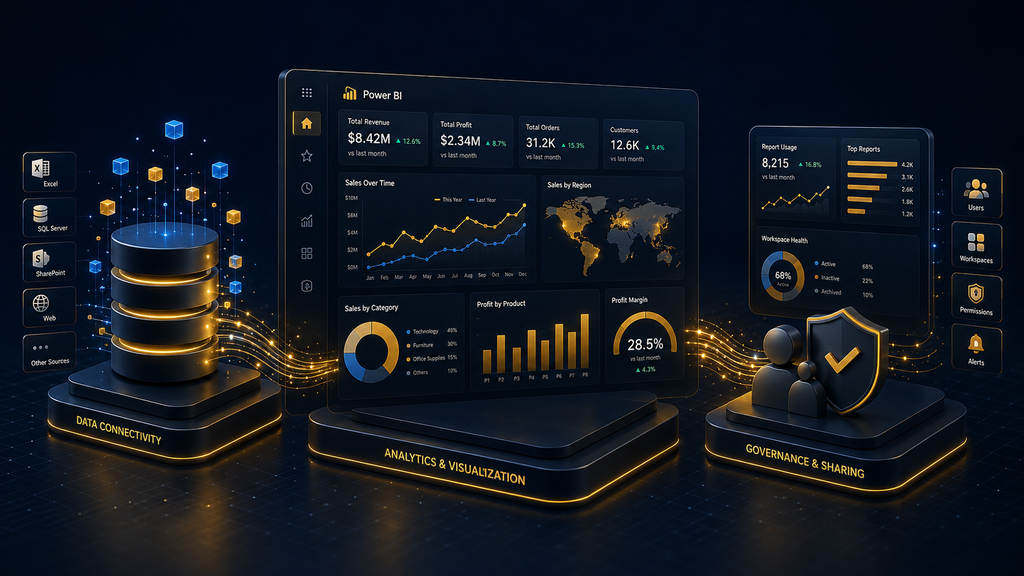
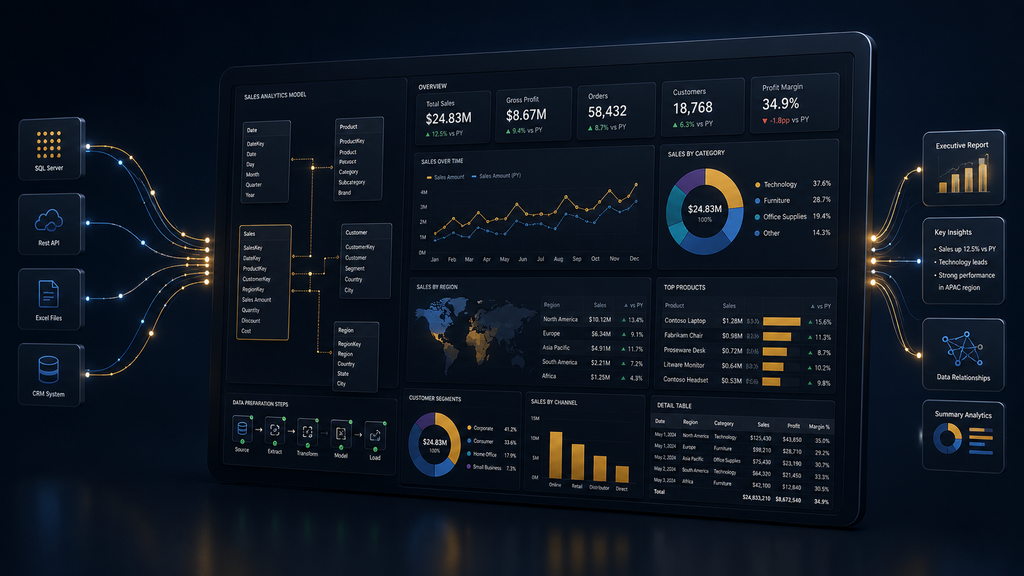
    Data used to sit in dashboards, waiting for someone to notice a trend. That’s changing fast. AI for business intelligence has moved from a “nice to have” add-on to the core engine behind how teams make decisions in 2026. And nowhere is this shift more visible than in Power BI AI features, especially since Microsoft supercharged the platform with Power BI Copilot.

    If you’re a business owner, IT decision-maker, or a student trying to understand where BI is heading, this blog breaks down exactly how AI in business intelligence works inside Power BI, what it does, what it costs, and how to use it without losing control of your data.

    If your own team is still stitching together reports manually, this is also a good moment to look at how modern data visualization and dashboards can replace that entire workflow.

    Key Takeaways

    • Power BI Copilot uses natural language to generate DAX formulas, build visuals, and write report narratives, cutting authoring time significantly.
    • AI-powered business intelligence in Power BI runs on four pillars: Copilot, built-in AI visuals, natural language Q&A, and semantic model preparation.
    • Copilot requires Fabric capacity (F64 or higher) or Premium Per User licensing, plus a tenant admin toggle before anyone can use it.
    • Business intelligence AI tools like Key Influencers, Decomposition Tree, and Anomaly Detection help teams find root causes without writing a single formula.
    • 2026 updates pushed Copilot into mobile, web modeling, and cross-app experiences via Fabric IQ, meaning AI now lives everywhere your data does.

    What Is Power BI Copilot?

    Power BI Copilot is Microsoft’s AI assistant built directly into Power BI Desktop and the Power BI service. Instead of manually writing DAX queries or building charts from scratch, you type a plain English request, and Copilot handles the technical part. It runs on Azure OpenAI’s GPT architecture to interpret your prompt and translate it into report actions.

    To actually use Copilot for Power BI, your organization needs a bit of setup first:

    Requirement Detail
    Licensing Fabric capacity at F64 or higher, or Premium Per User (PPU)
    Admin access A Fabric administrator must enable the Copilot tenant setting
    Workspace Must be Fabric enabled
    Semantic model Should be “AI ready” with clear relationships and business-friendly field names

    This last point matters more than people realize. According to AlphaBOLD’s 2026 Power BI update analysis, Copilot’s reliability at scale depends on organizations configuring AI-ready semantic models with defined business terminology and governance rules. Skip this step, and Copilot’s answers get shaky fast. This is why Semantic Layer Consulting & Analytics Engineering has become essential—without a single, unified “source of truth” across your infrastructure, AI tools end up producing hallucinated or inconsistent metrics across different departments.

    Microsoft increased the Copilot prompt limit from 500 characters to 10,000 characters across every surface, including Standalone, Report pane, Apps, Mobile, and Embed, per the official Power BI February 2026 feature summary. So you can now paste in a full business question instead of a fragment.

    The Core AI Visuals Powering Power BI

    Before Copilot even entered the picture, Power BI had already built a strong foundation of Power BI AI features through its native AI visuals. These are still the backbone of how teams explore data today, and Microsoft walks through them in its own Artificial Intelligence sample tour.

    Key Influencers analyzes your dataset to show what’s actually driving an outcome. In Microsoft’s sample report, the tool found that a 2% increase in discount made a sales opportunity 2.76 times more likely to close as “Won.” Click any factor, and Power BI reruns the analysis live as you apply filters.

    Decomposition Tree lets you break a metric down path by path. You can drill from “Category” into “Territory” into “Sales Owner,” and the AI splits automatically to suggest the next branch that leads to the highest value outcome.

    Smart Narratives auto-writes a text summary of your report in plain English, updating itself as filters change, describing things like the highest and lowest performing months without anyone typing a word.

    Q&A (natural language query) lets anyone type a question like “close % by month in a line chart by manager” and get a live visual back, no formula required.

    What Changed in 2026?

    Power BI’s AI stack evolved quickly through 2026, and the direction is clear: less clicking, more asking.

    • Copilot on mobile went GA. Standalone Copilot inside the mobile app now generates AI-powered insights and visuals on the go, and iOS users can speak their queries instead of typing them.
    • Copilot can now write DAX and help build models. The 2026 upgrades let Copilot write DAX queries, support model building, and expand automation, leading to faster insights and more efficient report creation, per the same Intelegain report.
    • Copilot moved into web modeling. A preview feature now lets Copilot analyze a semantic model, flag inconsistent naming or unclear structure, and make schema updates like renaming tables or generating DAX measures, all through natural language, as covered in the Power BI June 2026 feature summary.
    • Copilot summary shortcuts arrived. Report consumers can now access AI-generated narrative summaries instantly, without opening the full Copilot pane.
    • Fabric IQ connected Power BI to everyday tools. Business users can now ask data questions directly inside Cowork or Microsoft 365 Copilot Chat, with answers grounded in trusted Power BI models, as explained in the June 2026 feature summary.

    This is the bigger pattern behind AI-powered business intelligence in 2026.

    Traditional BI vs. AI Powered BI

    Traditional BI AI Powered BI (Power BI + Copilot)
    Analysts manually build every chart and DAX measure Copilot generates visuals and formulas from a text prompt
    Root cause analysis takes hours of manual filtering Decomposition Tree and Key Influencers surface causes in minutes
    Anomalies get caught only if someone is watching Anomaly Detection flags and explains outliers automatically
    Executive summaries written manually every cycle Smart Narratives update summaries in real time
    Insights available only on desktop Copilot now works across desktop, mobile, and chat apps

    If your team is still on the left side of this table, moving over usually starts with a proper BI platform migration rather than bolting Copilot onto a messy existing setup. Modernizing your analytics requires BI Modernization Services to seamlessly migrate slow, legacy enterprise reports into lightning-fast cloud environments, combined with End-to-End Dashboard Automation to completely eliminate manual Excel exports and data cleaning before AI ever touches the data.

    Where This Actually Helps Your Business?

    AI-powered business intelligence isn’t just a technical upgrade, it changes who can use data at all.

    • Faster decisions: Report creators using Copilot for DAX authoring have saved an average of 2 to 3 hours per week in enterprise deployments, according to this Power BI Copilot complete guide.
    • Lower skill barrier: Non-technical staff can ask questions in plain English instead of learning DAX or Power Query.
    • Proactive alerts, not reactive digging: Anomaly Detection surfaces problems before they show up in a quarterly review.
    • Consistent reporting: Auto-generated narratives remove the variation you get when five different analysts write five different summaries of the same numbers.
    • Governance built in: Since Copilot works off your semantic model, well-governed data means well-governed AI answers, not a shadow spreadsheet floating around. This is where solid data engineering services pay off long before Copilot ever gets involved.

    These gains look different depending on the industry. Finance teams use it for risk and fraud pattern detection, as we’ve seen in our own work with finance and insurance clients, while retail teams lean on it for demand forecasting, a pattern that shows up across our retail and eCommerce engagements too.

    The Human-in-the-Loop Reality

    Here’s what most vendor content skips. Power BI Copilot doesn’t replace your analysts, it changes what they spend time on. Copilot writes the first draft of a DAX measure or a summary, a human still validates it against business context Copilot doesn’t have. Organizations that skip building AI-ready semantic models with proper governance are accumulating technical debt that limits how reliable Copilot’s answers stay at scale.

    The teams getting real value out of business intelligence AI tools treat AI as a fast first pass, not a final answer. This is also the exact philosophy behind our own AI strategy and consulting work.

    How to Get Started: The 3-Phase Roadmap

    1. Data Governance & Cleanup: Standardize data schemas and clean up legacy data models across your enterprise.
    2. Capacity & Licensing Alignment: Audit your current Power BI footprint to determine if Fabric (F64+) or Premium Per User fits your scale.
    3. Human-in-the-Loop Implementation: Deploy Copilot alongside custom validation workflows so business users get fast insights with zero loss of accuracy.

    Need to Build an AI-Ready Data Foundation?

    Deploying Power BI Copilot safely across an enterprise requires more than just flipping a switch. We engineer the entire data lifecycle to turn fragmented corporate data into predictive market leadership:

    • AI-Enabled Power BI Consulting: We supercharge your existing dashboards with advanced predictive models, forecasting layers, and automated anomaly detection.
    • MCP-Enabled Analytics Architecture: Our team constructs highly secure, compliant, and production-grade data foundations that satisfy enterprise-level IT governance.
    • AI-Assisted Reporting Systems: We implement cognitive natural language features (NLP) and smart text summaries, allowing executives to literally text or talk to their data for instant answers.

    Final Word

    How AI is transforming business intelligence comes down to one shift: data is no longer something you have to go looking for. With Copilot in Power BI, Key Influencers, Decomposition Trees, and Smart Narratives, your data comes looking for you, flagging what changed, explaining why, and doing it in the language you already use at work. The businesses that win here won’t be the ones with the most dashboards. They’ll be the ones who paired Power BI AI with well-structured data and a team that still knows how to ask the right question.

  • AI-Driven Predictive Analytics for Businesses: Turning Data Into Decisions

    AI-Driven Predictive Analytics for Businesses: Turning Data Into Decisions

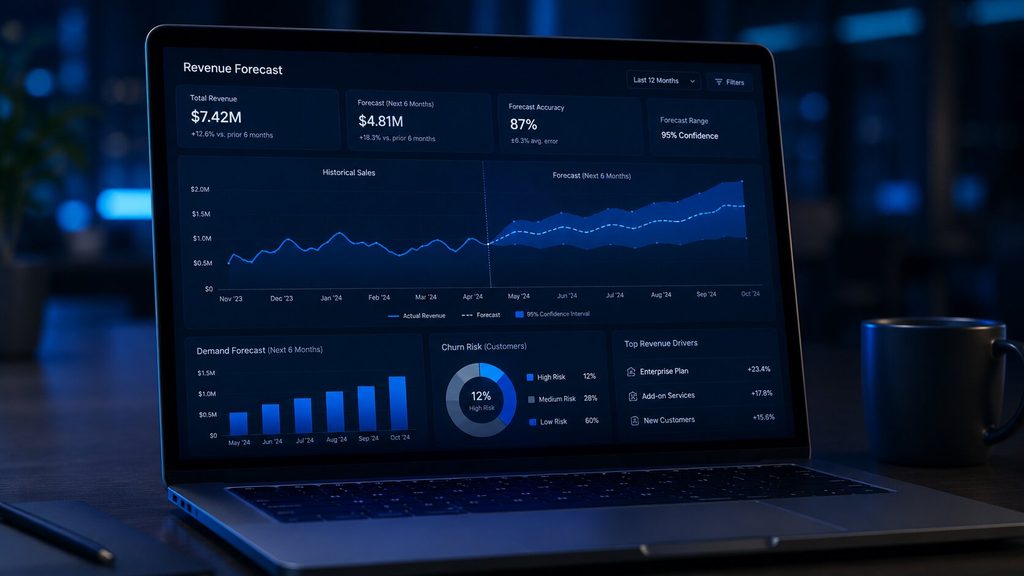
    Every business already has the data it needs to see around corners. It’s just sitting in spreadsheets, CRMs, and transaction logs, describing what already happened. AI predictive analytics flips that data forward. Instead of a report on last quarter’s churn, you get a forecast of which customers are likely to leave next quarter, while you still have time to act.

    For business owners and decision-makers, that shift from hindsight to foresight is turning into one of the highest-ROI AI investments available in 2026, and it doesn’t require a data science team to get started. Here’s what it actually takes to turn your data into decisions instead of just dashboards.

    Key Takeaways

    • AI predictive analytics turns historical and real-time data into forward-looking forecasts, not just backward-looking reports.
    • The predictive analytics software market is growing fast — from $17.3B in 2025 to an estimated $21.4B in 2026, on its way to $38B by 2032.
    • Retail demand forecasting models built on predictive analytics hit accuracy rates far above traditional statistical methods.
    • Predictive vs prescriptive analytics are not the same thing; one tells you what’s likely to happen, the other tells you what to do about it.
    • Supply chain predictive analytics is already cutting operational costs by 20–30% for logistics-heavy businesses.
    • You don’t need a data science team to start. Predictive analytics for small businesses is now accessible through no-code and low-code tools.
    • Getting real ROI depends less on the algorithm and more on clean data, the right use case, and the right predictive data analytics services partner.

    What Is Predictive Analytics, Really?

    What is predictive analytics in plain terms? It’s the practice of using historical data, statistics, and machine learning to answer one question: what is likely to happen next?

    Traditional dashboards tell you what already happened: last quarter’s revenue, last month’s churn. AI predictive analytics goes further. It studies patterns in that historical data and projects them forward, so predictive analytics is a core capability of data-driven organizations planning for what’s coming instead of reacting to what already happened.

    Modern predictive analytics tools blend three layers:

    1. Historical data: sales records, customer interactions, sensor logs, transaction history
    2. Statistical and ML models: regression, time-series forecasting, neural networks
    3. Real-time signals: live data feeds that keep predictions current instead of stale

    The shift in 2026 is that this used to be a data-science-team-only capability. Now it’s embedded directly into everyday business tools — dashboards, CRMs, ERPs — so a marketing manager or operations lead can act on a forecast without waiting on an analyst.

    Why Businesses Are Investing Now

    The numbers explain the urgency. Global corporate AI investment reached $581.7 billion in 2025, up 130% year over year, according to Stanford’s 2026 AI Index. That capital isn’t only chasing generative AI headlines; predictive AI is quietly running the systems that matter most: fraud detection, demand forecasting, and diagnostics, while a lot of generative AI pilots have struggled to show measurable financial impact.

    The predictive analytics software market itself tells the same story:

    Year Market Size (Solutions Segment)
    2024 $13.6 billion
    2025 $17.3 billion
    2026 $21.4 billion (est.)
    2032 (projected) $38.0 billion
    Table source: Market.us

    By 2025, over 55% of businesses were expected to adopt AI-powered predictive analytics tools to sharpen decision-making, particularly in finance, marketing, and supply chain. And the results aren’t theoretical. 90% of Fortune 500 companies already use predictive analytics to convert raw data volume into decisions, with 60% of companies reporting a revenue increase of 10% or more from it.

    For a mid-sized business, that’s the real pitch: predictive analytics isn’t a “nice-to-have” innovation project anymore. It’s becoming table stakes.

    Predictive vs Prescriptive Analytics: Know the Difference

    This is one of the most common points of confusion for decision-makers evaluating predictive data analytics services, so it’s worth separating clearly.

    Predictive Analytics Prescriptive Analytics
    Core question “What’s likely to happen?” “What should we do about it?”
    Output Probabilities, forecasts, risk scores Specific recommended actions
    Example 70% chance a customer churns next month Recommend a discount + onboarding tweak to retain them
    Techniques Regression, time-series, ML classification Optimization, simulation, decision modeling

    Predictive analytics tells you what’s most likely to happen, while prescriptive analytics tells you what the best action to take is. Think of it as prediction versus prescription: one is a weather forecast, the other is the advice to carry an umbrella. In practice, the two work best together: prescriptive analytics could suggest which channel to use for a campaign, while predictive analytics could estimate how much that action will increase sales.

    Most businesses start with AI predictive analytics because it’s the foundation. You can’t prescribe an action based on a forecast you don’t yet trust.

    Where Is AI-Powered Predictive Analytics Delivering Real ROI?

    1. Supply Chain and Operations

    Supply chain predictive analytics is one of the clearest ROI stories in 2026. Predictive models forecast demand spikes, flag supplier delays before they cascade, and optimize inventory levels in real time.

    Logistics firms using predictive analytics saw operational costs drop by 60%, and improvement in customer satisfaction by 45%.

    Demand forecasting models in retail now hit roughly 92% accuracy, compared to about 68% with traditional statistical methods.

    2. Customer Retention and Churn Prediction

    Predictive models flag at-risk customers weeks before they leave — based on usage drop-off, support ticket sentiment, or payment delays — giving retention teams a real window to act.

    3. Financial Risk and Fraud Detection

    Banks and fintechs use predictive scoring to catch fraudulent transactions and assess credit risk in milliseconds, not days.

    4. Healthcare and Patient Outcomes

    Healthcare providers using predictive analytics report better patient outcomes in 58% of cases tracked, largely from earlier risk identification and resource planning.

    VectovateAI helped a healthcare firm with app modernization using predictive analytics which helped increase clinical efficiency by 35% via automated scheduling.

    5. Workforce and Demand Planning

    Retailers and service businesses use predictive staffing models to match headcount to expected demand, avoiding both overstaffing costs and service-quality dips.

    Predictive Analytics for Business Strategy, Not Just Operations

    Where this gets interesting for leadership is when predictive analytics for business strategy moves beyond a single department and into planning itself — market entry decisions, pricing strategy, product roadmap prioritization. Instead of quarterly retrospectives, executive teams get rolling forecasts that update as new data comes in.

    The trend for 2026 backs this up: enterprises are moving away from static dashboards and retrospective reporting, toward predictive and prescriptive intelligence embedded directly into workflows, with Gartner projecting more than 80% of enterprises will have deployed generative or predictive AI-enabled applications by 2026.

    This is also where Agentic AI enters the picture, not as a buzzword, but as the natural next layer. Once a predictive model flags a risk (say, a supplier delay), an AI agent can act on it — reordering stock, alerting the right team, and adjusting a forecast — with a human reviewing the final call rather than executing every step manually. That human-in-the-loop model is what separates a responsible AI deployment from a black-box one.

    Predictive Analytics for Small Business: Yes, It’s Accessible Now

    A common myth: predictive analytics is only for enterprises with in-house data science teams. That’s changing fast. Predictive analytics for small business is now realistic because of two shifts:

    • No-code/low-code platforms let non-technical teams build and deploy predictive analytics tools without writing code
    • Cloud-based, pay-as-you-go tools remove the need for expensive infrastructure upfront

    A small e-commerce brand, for instance, can use predictive analytics to forecast which SKUs will sell out before a festive season without hiring a single data scientist — by plugging existing sales data into a ready-made forecasting tool.

    Choosing the Right Predictive Analytics Consulting Partner

    Buying a tool isn’t the hard part. Making it work with your actual data, your actual workflows, and your actual team is. This is where predictive analytics consulting matters more than the sophistication of any single algorithm.

    A good predictive data analytics services partner should help you with:

    • Data readiness: cleaning and unifying data scattered across systems before any model can be trusted
    • Use-case prioritization: picking the 1–2 problems where a forecast will actually change a decision, instead of trying to predict everything at once
    • Model governance: monitoring for “model drift,” where a model’s accuracy degrades over time as real-world patterns shift
    • Integration: embedding predictions into the tools your team already uses (CRM, ERP, BI dashboards), not a separate system nobody opens

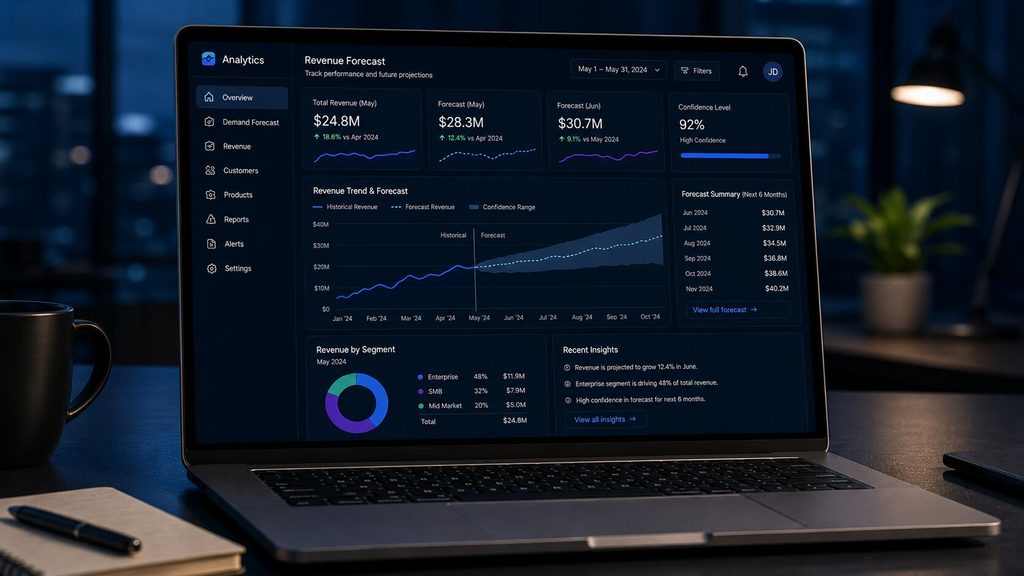
    This is also where visualization matters. A forecast that lives in a spreadsheet gets ignored. A forecast that shows up as a trend line inside a Power BI dashboard your ops manager checks every morning gets acted on.

    Bridging that gap — from raw prediction to a decision someone actually makes — is the difference between a predictive analytics project that sits on a shelf and one that pays for itself.

    Conclusion

    AI predictive analytics is already reshaping business decisions in 2026. The businesses seeing the best ROI aren’t the ones with massive data teams; they are the ones applying accessible AI tools to solve a single high-value problem and embedding those forecasts into daily workflows. Stop reacting to past data and start acting on the future. The only question left is which decision you want to stop guessing on first.